
Skip to content
en
USD
Skip to product information
Description

Special Order Only - Please contact for availability.

NUX Optima Air is a dual-switch acoustic guitar simulator with a preamp for acoustic and electric guitar players. It simulates the acoustic guitar profiles with the best-optimized sound depending on your guitar and pickup type.

IR loader combined with a preamp which is equipped with 3-band EQ and Gain controls. And there is an additional one-knob-control Reverb effect. If you want to connect any effect pedal you can use the SEND/RETURN effect loop and add the Optima Air into the signal chain.

NUX Optima Air has a unique profile capture function, you can create your own acoustic guitar profile (IR file) by capturing your favourite acoustic guitar's sound. There is an XLR DI output for direct line/mixer connection, headphones output for silent play and auxiliary input to connect a music player to play along.

Specifications:

  • 24-bit, 48-kHz Sampling Quality
  • Acoustic Guitar Impulse Response and Pre-Amp controls
  • 15 built-in acoustic guitar profiles with IR level control
  • 9 Preset Slots
  • Reverb effect
  • Gain, Bass, Middle and Treble controls
  • 6.35mm (1/4-inch) Send/Return, effects loop
  • 3.5mm (1/8-inch) Auxiliary input
  • 3.5mm (1/8-inch) Headphones input
  • XLR DI Out
  • Micro B USB Port for USB Audio Stream and Edit Software Support

  • Reverb: One Knob Reverb effect control. It adjusts the Dry/Wet and Decay parameters. Or you can turn it OFF by tweaking to 0
  • IR Level: Adjusts the simulated signal (Impulse Response file) LEVEL
  • Select (Push to Save): In manual mode, you can choose the IR file. And you can save your customized preset by pushing the knob
  • Gain: Adjusts the signal input Gain level
  • 3-Band EQ:
    Bass: Adjusts the low frequency level
    Middle: Adjusts the middle frequency level
    Treble: Adjusts the high frequency level
  • IR Footswitch:
    Manual Mode: Engage/disengage the selected IR file. Acoustic guitar simulation ON/OFF
    Preset Mode: Bank DOWN
    Also, if you are editing a preset, you can push the IR footswitch to exit without saving
  • AMP Footswitch:
    Manual Mode: Activates the pre-amp section. When you engage the AMP, you can use the Gain and the 3-band EQ
    Preset Mode: Bank UP
    Also, If you are editing a preset, while you changing the preset name you can push the AMP footswitch and move the cursor to the next selection area to choose a letter, number or symbol

  • Input: 6.35mm (1/4-inch) jack input
  • Output: 6.35mm (1/4-inch) jack output
  • Send/Return: 6.35mm (1/4-inch) effect loop inputs
  • Micro B USB Port: You can connect the pedal to your computer to use the Optima Air software to create, edit and save your presets. And update the pedal when a new firmware released.
  • Power Input: 9V Negative TIP power adapter input
  • 3.5mm (1/8-inch) Auxiliary Input: You can connect music player to play along with music
  • 3.5mm (1/8-inch) Headphones Output: For silent practicing or recording
  • XLR DI Output: For direct connection to mixer (or PA system)

Optima Air Impulse Response (IR) Function
Optima Air is loaded with 15 impulse response files. Each impulse response file optimized for the guitar type and the pickup type. The IR file names are included the guitar profile, optimized guitar type, and the pickup type. Press the IR footswitch to activate/deactivate the IR function.

Impulse Response Files List...

https://v2sources.siiite.com//Uploads/account_3/module_pic/o_1e3thmim318021r0lm9hbt7fg72s.png

null
*All the brand and model names mentioned on this page are Trademarks of their respective owners, which are in no way associated or affiliated with NUX and Cherub Technology CO. LTD.

Optima Air Pre-amp
NUX Optima Air is equipped with a pre-amp that allows you to enhance your sound by using a 3-band equalizer.

The beauty of an analog circuit is that chaos makes the muse. While you tweak the knob, it affects itself and also other parameters.

Driven by NUX's white box algorithm (physical modeling) of Neve 1073, Optima Air can replicate the chaos in a compact size, while providing lots of features like USB audio stream, Reverb function, and IR Capture.

Editor Software
You can load 3rd party IRs and edit preset names through editor software.

Optima Air also supports USB audio stream, which means you could use Optima Air as recording interface. You can adjust USB AUDIO routing through editor software. For WINDOWS operating system, please download NUX ASIO Driver from SUPPORT. The editor software offers you built-in LEVEL adjust knob, so you can tweak the 3rd party IR level.

null


Capturing a Guitar Profile
Run the pedal in capturing mode; press the IR footswitch and hold, plug in the power cable.

You need to use a condenser microphone for better result. Connect the acoustic guitar to the Optima Air's input, place the microphone and connect to a microphone to a microphone preamp. And connect the microphone preamp's output to the Optima Air's Return (Please check the picture)

Make sure everything's connected, and you are all set to capture.

nullYou can see the input level and the return level on the pedal screen, make sure the levels are not reaching to the MAX (Peak) level, or too low to capture it. Usually, 60% to 80% is the best level for capturing.

You can press the IR footswitch when you are ready. It will countdown from 3 to 1 then you could start to play guitar to send the audio signal to Optima Air to capture and process. Just play as clean as you can, and use finger position or chords you are playing most of the time. Capturing record will take 10 seconds, you can also see it on the screen, the RED AMP LED will start blinking when the recording is done. You can press the AMP footswitch to save, or you can press the IR button to restart the capturing.

null null

Orders typically take 1-3 business days to process and ship. When items are out of stock, they will be dispatched no more than 10 days after ordering. For urgent orders please contact us first to confirm stock availability.

Delivery
- Free deliver for orders over $249 - $11.95 delivery for orders under $249 - Bulky size item will require custom freight quote, a team member will reach out once the order has been placed.
Price Matching
Found the same item elsewhere cheaper? Ask us for a price match!

NUX Verdugo Series Optima Air Acoustic Simulator & IR Loader Pedal

Sale price $201.00
Regular price $252.00You saved 20% OFF

Tax included. Shipping calculated at checkout

NXNAI5OPTIMA

  • Apple Pay
  • Google Pay
  • Mastercard
  • PayPal
  • Shop Pay
  • Union Pay
  • Visa

Special Order Only - Please contact for availability.

NUX Optima Air is a dual-switch acoustic guitar simulator with a preamp for acoustic and electric guitar players. It simulates the acoustic guitar profiles with the best-optimized sound depending on your guitar and pickup type.

IR loader combined with a preamp which is equipped with 3-band EQ and Gain controls. And there is an additional one-knob-control Reverb effect. If you want to connect any effect pedal you can use the SEND/RETURN effect loop and add the Optima Air into the signal chain.

NUX Optima Air has a unique profile capture function, you can create your own acoustic guitar profile (IR file) by capturing your favourite acoustic guitar's sound. There is an XLR DI output for direct line/mixer connection, headphones output for silent play and auxiliary input to connect a music player to play along.

Specifications:

  • 24-bit, 48-kHz Sampling Quality
  • Acoustic Guitar Impulse Response and Pre-Amp controls
  • 15 built-in acoustic guitar profiles with IR level control
  • 9 Preset Slots
  • Reverb effect
  • Gain, Bass, Middle and Treble controls
  • 6.35mm (1/4-inch) Send/Return, effects loop
  • 3.5mm (1/8-inch) Auxiliary input
  • 3.5mm (1/8-inch) Headphones input
  • XLR DI Out
  • Micro B USB Port for USB Audio Stream and Edit Software Support

  • Reverb: One Knob Reverb effect control. It adjusts the Dry/Wet and Decay parameters. Or you can turn it OFF by tweaking to 0
  • IR Level: Adjusts the simulated signal (Impulse Response file) LEVEL
  • Select (Push to Save): In manual mode, you can choose the IR file. And you can save your customized preset by pushing the knob
  • Gain: Adjusts the signal input Gain level
  • 3-Band EQ:
    Bass: Adjusts the low frequency level
    Middle: Adjusts the middle frequency level
    Treble: Adjusts the high frequency level
  • IR Footswitch:
    Manual Mode: Engage/disengage the selected IR file. Acoustic guitar simulation ON/OFF
    Preset Mode: Bank DOWN
    Also, if you are editing a preset, you can push the IR footswitch to exit without saving
  • AMP Footswitch:
    Manual Mode: Activates the pre-amp section. When you engage the AMP, you can use the Gain and the 3-band EQ
    Preset Mode: Bank UP
    Also, If you are editing a preset, while you changing the preset name you can push the AMP footswitch and move the cursor to the next selection area to choose a letter, number or symbol

  • Input: 6.35mm (1/4-inch) jack input
  • Output: 6.35mm (1/4-inch) jack output
  • Send/Return: 6.35mm (1/4-inch) effect loop inputs
  • Micro B USB Port: You can connect the pedal to your computer to use the Optima Air software to create, edit and save your presets. And update the pedal when a new firmware released.
  • Power Input: 9V Negative TIP power adapter input
  • 3.5mm (1/8-inch) Auxiliary Input: You can connect music player to play along with music
  • 3.5mm (1/8-inch) Headphones Output: For silent practicing or recording
  • XLR DI Output: For direct connection to mixer (or PA system)

Optima Air Impulse Response (IR) Function
Optima Air is loaded with 15 impulse response files. Each impulse response file optimized for the guitar type and the pickup type. The IR file names are included the guitar profile, optimized guitar type, and the pickup type. Press the IR footswitch to activate/deactivate the IR function.

Impulse Response Files List...

https://v2sources.siiite.com//Uploads/account_3/module_pic/o_1e3thmim318021r0lm9hbt7fg72s.png

null
*All the brand and model names mentioned on this page are Trademarks of their respective owners, which are in no way associated or affiliated with NUX and Cherub Technology CO. LTD.

Optima Air Pre-amp
NUX Optima Air is equipped with a pre-amp that allows you to enhance your sound by using a 3-band equalizer.

The beauty of an analog circuit is that chaos makes the muse. While you tweak the knob, it affects itself and also other parameters.

Driven by NUX's white box algorithm (physical modeling) of Neve 1073, Optima Air can replicate the chaos in a compact size, while providing lots of features like USB audio stream, Reverb function, and IR Capture.

Editor Software
You can load 3rd party IRs and edit preset names through editor software.

Optima Air also supports USB audio stream, which means you could use Optima Air as recording interface. You can adjust USB AUDIO routing through editor software. For WINDOWS operating system, please download NUX ASIO Driver from SUPPORT. The editor software offers you built-in LEVEL adjust knob, so you can tweak the 3rd party IR level.

null


Capturing a Guitar Profile
Run the pedal in capturing mode; press the IR footswitch and hold, plug in the power cable.

You need to use a condenser microphone for better result. Connect the acoustic guitar to the Optima Air's input, place the microphone and connect to a microphone to a microphone preamp. And connect the microphone preamp's output to the Optima Air's Return (Please check the picture)

Make sure everything's connected, and you are all set to capture.

nullYou can see the input level and the return level on the pedal screen, make sure the levels are not reaching to the MAX (Peak) level, or too low to capture it. Usually, 60% to 80% is the best level for capturing.

You can press the IR footswitch when you are ready. It will countdown from 3 to 1 then you could start to play guitar to send the audio signal to Optima Air to capture and process. Just play as clean as you can, and use finger position or chords you are playing most of the time. Capturing record will take 10 seconds, you can also see it on the screen, the RED AMP LED will start blinking when the recording is done. You can press the AMP footswitch to save, or you can press the IR button to restart the capturing.

null null

Orders typically take 1-3 business days to process and ship. When items are out of stock, they will be dispatched no more than 10 days after ordering. For urgent orders please contact us first to confirm stock availability.

- Free deliver for orders over $249 - $11.95 delivery for orders under $249 - Bulky size item will require custom freight quote, a team member will reach out once the order has been placed.
Found the same item elsewhere cheaper? Ask us for a price match!
NUX Verdugo Series Optima Air Acoustic Simulator & IR Loader Pedal

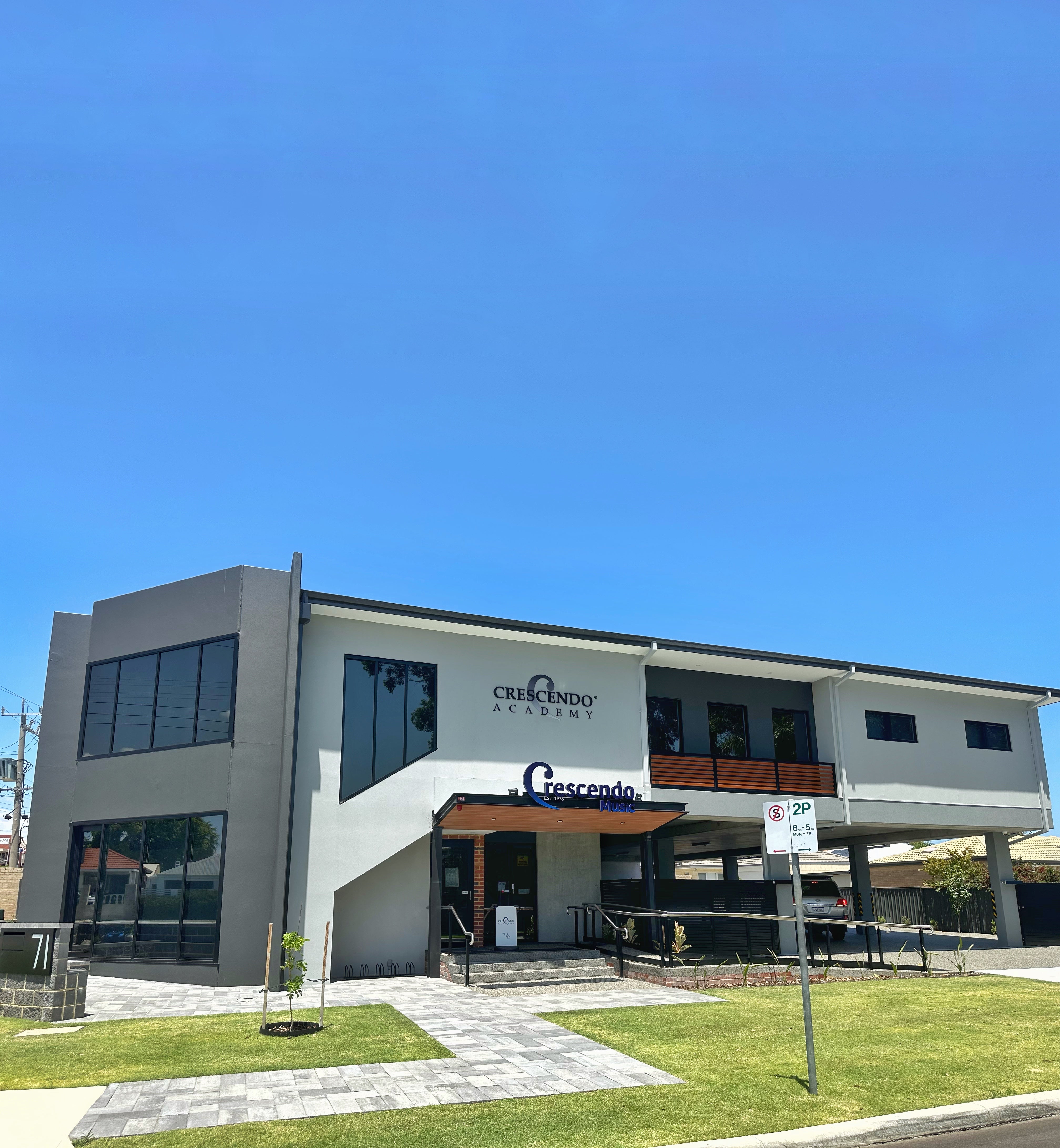
Here at Crescendo...

"Established in 1976, we are more than just a music store—we are here in the Australian music scene to providing the highest standard of service and instruments to the music community with our expertise and experience."

Music Lessons

Looking to begin your musical journey or take your skills to the next level with expert guidance?

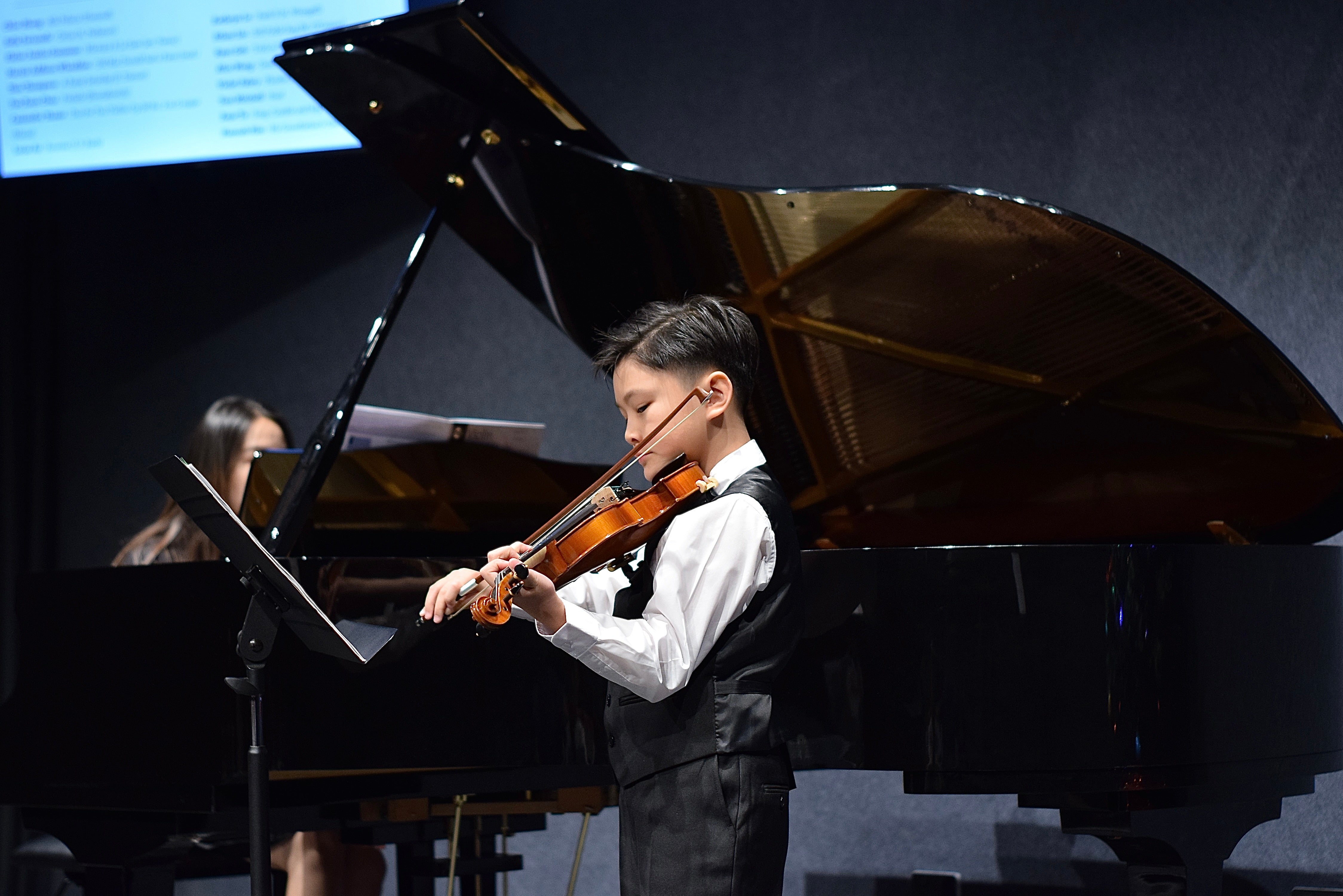
Established in 2018, Crescendo Academy of Music has grown into one of Western Australia's trusted music schools, proudly welcoming over 650 students and bringing together a dedicated team of 25+ experienced music educators. Whether you're a complete beginner or an aspiring musician, we're passionate about helping students of all ages and abilities discover, develop and achieve their musical potential.

Studio Hire

Looking for a space to practice, rehearse or record?

Crescendo Academy of Music offers 9 beautifully appointed music rooms available for hire, including rooms equipped with quality upright or grand pianos, as well as sound-treated spaces suitable for a variety of musical needs.

As an official AMEB and ABRSM examination venue, Crescendo Academy provides a professional and welcoming environment for musicians of all levels, whether you're practising independently, preparing for an examination, rehearsing for a performance or working on your next recording.

Enquire today to find your ideal music space!

Performance Hall Hire

Looking for the perfect venue for your next music concert, recital or examination recording?

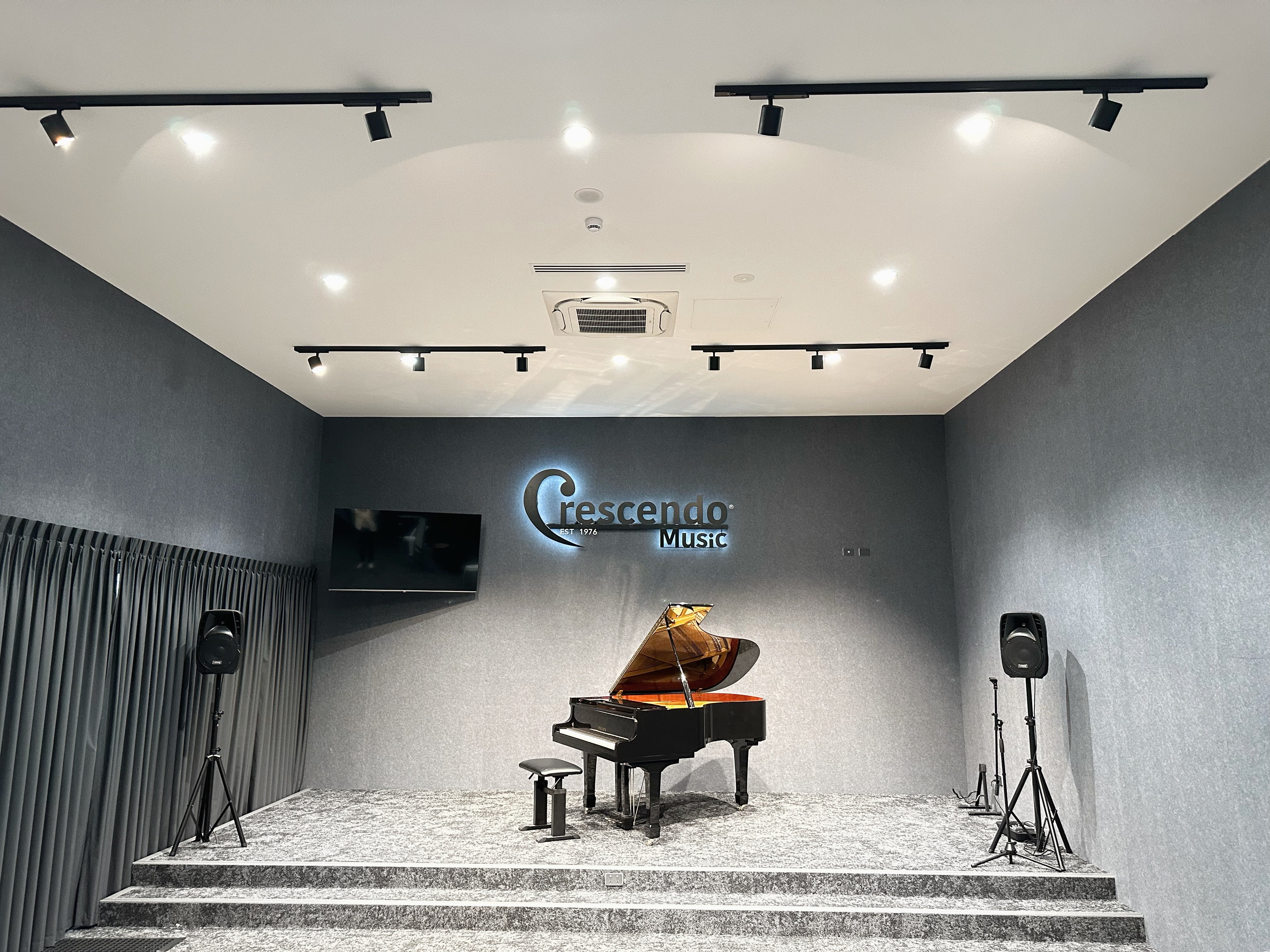
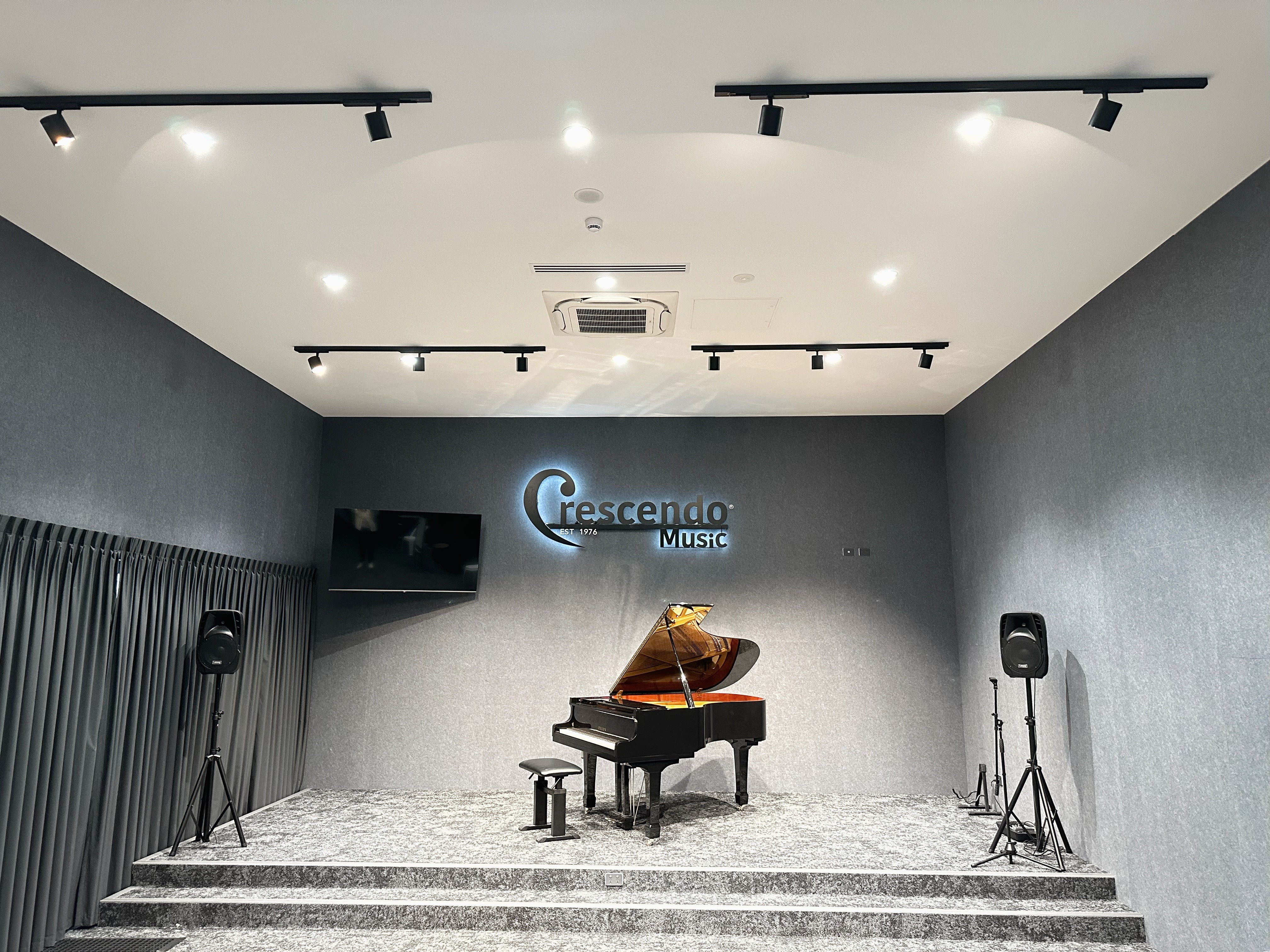
Crescendo Academy of Music offers a beautifully appointed performance hall accommodating up to 80 guests, featuring a magnificent Yamaha C5 6'7 grand piano, a basic PA system and a dedicated balcony area for refreshments.

Whether you're hosting an intimate recital, organising a student concert or recording your examination performance, our hall provides a professional and welcoming setting to bring your music to life.

Enquire today to book your next performance or recording session!

Drawer Title
Similar Products