

Skip to content
en
USD
Skip to product information
Description

The NUX TIME CORE DELUXE MKII is a delay pedal with 7 different types and a phrase looper; including ΦPhi Digital Delay, Analog Delay, Modulation Delay, Tape Echo, Pan Delay, Verb Delay, Reverse Delay and Sound On Sound. You can switch the delay type by using the Type rotary switch.

Time knob

Adjusts the delay time. Set the knob parameter to your desired sub-division, then use the Smart Tap Tenpo to get sub-division delay time related to tap tempo.

Time range related to the models:

ΦPhi Digital Delay: 80ms~1000ms

Analog Delay: 40ms~ 403ms

Modulation Delay: 20ms ~ 1500ms

Tape Echo: 55ms ~ 552ms

Pan Delay: 80ms ~ 1000ms

Verb Delay: 80ms ~ 1000ms

Reverse Delay: 320ms ~ 1240ms

*Note: The maximum delay time is 1580ms by Smart Tap Tempo.

Mix knob

Adjusts the wet/dry mixing level of delay,from 0% up to 100% when you turn the knob clockwise.

Delay Type knob

Selects the type of delay.

Repeat knob

Adjusts the repeat numbers of delay. In Mod D. or Verb, hold the footswitch to enter to Alt mode, (the LED indicator will flash ORANGE), Now the Repeat knob will adjust the Mod or Verb parameter. Short press the footswitch to quit Alt mode.

Toggle switch

This switch sets the bypass mode and Tone Lock. Selecting Tail sets the Buffer-Bypass to keep the delay with spillover while disengaged. TB means True-Bypass, there is no spillover while you disengage the effect. T.Lock means Tone Lock, an innovative function to store and lock your current parameter setting to prevent accidents on stage. After you set the parameters, just toggle the switch to T.Lock position, then the LED indicator will flash GREEN 2 times to store and lock the parameters. Then you can engage or disengage the effect by the footswitch and no worries.

Footswitch & FS Indicator

Press once to engage/disengage the effect. Press twice, it will become Smart Tap Tempo. The delay time is related to tap tempo and current sub-division parameter. (The FS indicator will flash as current BPM.)

Note: The maximum delay time of tap tempo is 1580ms.

When the effect is engaged, the FS indicator will show “Red”. While the effect is disengaged, the FS indicator will turn off.

I/O Jacks

DC jack

Use ONLY: 9V Negative Tip power with more than 150mA. (The power consumption is less than 125mA.)

USB-C port

The USB-C port is for firmware updates. Connect USB cable to a PC and hold the footswitch to boot-up the device and to enter the DFU (Device Firmware Update) mode. Once connected you can perform firmware updates using DFU updater software.

Download the related firmware and firmware update guide from product page.

In jacks

The audio inputs on the right side of this pedal are standard 1/4″ jacks (mono/TS). Connect your guitar to the In (mono) audio input on the right side of your pedal using a regular 1/4″ instrument cable.1

The pedal also accepts stereo signals using a pair of 1/4″ TS cables.

Out jacks

The audio outputs on the left side of this pedal are standard 1/4″ jacks (mono/TS). Connect the audio output of your pedal to the next device in the signal chain, either with a single cable or with a pair of 1/4″ cables if both inputs are used.

Connections

If the amp’s FX loop is parallel, you will need to engage Kill Dry.

Kill Dry: Without USB connection, hold the footswitch to boot-up the pedal, if the LED indicator flash GREEN 3 times, the KILL DRY is engaged. If the LED indicator flashes RED 3 times, the KILL DRY is disengaged. (Normal)

Delivery
- Free deliver for orders over $249 - $11.95 delivery for orders under $249 - Bulky size item will require custom freight quote, a team member will reach out once the order has been placed.
Price Matching
Found the same item elsewhere cheaper? Ask us for a price match!

NUX Time Core Deluxe MKII Delay Pedal

Regular price $124.00

Tax included. Shipping calculated at checkout

  • Apple Pay
  • Google Pay
  • Mastercard
  • PayPal
  • Shop Pay
  • Union Pay
  • Visa

The NUX TIME CORE DELUXE MKII is a delay pedal with 7 different types and a phrase looper; including ΦPhi Digital Delay, Analog Delay, Modulation Delay, Tape Echo, Pan Delay, Verb Delay, Reverse Delay and Sound On Sound. You can switch the delay type by using the Type rotary switch.

Time knob

Adjusts the delay time. Set the knob parameter to your desired sub-division, then use the Smart Tap Tenpo to get sub-division delay time related to tap tempo.

Time range related to the models:

ΦPhi Digital Delay: 80ms~1000ms

Analog Delay: 40ms~ 403ms

Modulation Delay: 20ms ~ 1500ms

Tape Echo: 55ms ~ 552ms

Pan Delay: 80ms ~ 1000ms

Verb Delay: 80ms ~ 1000ms

Reverse Delay: 320ms ~ 1240ms

*Note: The maximum delay time is 1580ms by Smart Tap Tempo.

Mix knob

Adjusts the wet/dry mixing level of delay,from 0% up to 100% when you turn the knob clockwise.

Delay Type knob

Selects the type of delay.

Repeat knob

Adjusts the repeat numbers of delay. In Mod D. or Verb, hold the footswitch to enter to Alt mode, (the LED indicator will flash ORANGE), Now the Repeat knob will adjust the Mod or Verb parameter. Short press the footswitch to quit Alt mode.

Toggle switch

This switch sets the bypass mode and Tone Lock. Selecting Tail sets the Buffer-Bypass to keep the delay with spillover while disengaged. TB means True-Bypass, there is no spillover while you disengage the effect. T.Lock means Tone Lock, an innovative function to store and lock your current parameter setting to prevent accidents on stage. After you set the parameters, just toggle the switch to T.Lock position, then the LED indicator will flash GREEN 2 times to store and lock the parameters. Then you can engage or disengage the effect by the footswitch and no worries.

Footswitch & FS Indicator

Press once to engage/disengage the effect. Press twice, it will become Smart Tap Tempo. The delay time is related to tap tempo and current sub-division parameter. (The FS indicator will flash as current BPM.)

Note: The maximum delay time of tap tempo is 1580ms.

When the effect is engaged, the FS indicator will show “Red”. While the effect is disengaged, the FS indicator will turn off.

I/O Jacks

DC jack

Use ONLY: 9V Negative Tip power with more than 150mA. (The power consumption is less than 125mA.)

USB-C port

The USB-C port is for firmware updates. Connect USB cable to a PC and hold the footswitch to boot-up the device and to enter the DFU (Device Firmware Update) mode. Once connected you can perform firmware updates using DFU updater software.

Download the related firmware and firmware update guide from product page.

In jacks

The audio inputs on the right side of this pedal are standard 1/4″ jacks (mono/TS). Connect your guitar to the In (mono) audio input on the right side of your pedal using a regular 1/4″ instrument cable.1

The pedal also accepts stereo signals using a pair of 1/4″ TS cables.

Out jacks

The audio outputs on the left side of this pedal are standard 1/4″ jacks (mono/TS). Connect the audio output of your pedal to the next device in the signal chain, either with a single cable or with a pair of 1/4″ cables if both inputs are used.

Connections

If the amp’s FX loop is parallel, you will need to engage Kill Dry.

Kill Dry: Without USB connection, hold the footswitch to boot-up the pedal, if the LED indicator flash GREEN 3 times, the KILL DRY is engaged. If the LED indicator flashes RED 3 times, the KILL DRY is disengaged. (Normal)
- Free deliver for orders over $249 - $11.95 delivery for orders under $249 - Bulky size item will require custom freight quote, a team member will reach out once the order has been placed.
Found the same item elsewhere cheaper? Ask us for a price match!
NUX Time Core Deluxe MKII Delay Pedal

Here at Crescendo...

"Established in 1976, we are more than just a music store—we are here in the Australian music scene to providing the highest standard of service and instruments to the music community with our expertise and experience."

Music Lessons

Looking to begin your musical journey or take your skills to the next level with expert guidance?

Established in 2018, Crescendo Academy of Music has grown into one of Western Australia's trusted music schools, proudly welcoming over 650 students and bringing together a dedicated team of 25+ experienced music educators. Whether you're a complete beginner or an aspiring musician, we're passionate about helping students of all ages and abilities discover, develop and achieve their musical potential.

Studio Hire

Looking for a space to practice, rehearse or record?

Crescendo Academy of Music offers 9 beautifully appointed music rooms available for hire, including rooms equipped with quality upright or grand pianos, as well as sound-treated spaces suitable for a variety of musical needs.

As an official AMEB and ABRSM examination venue, Crescendo Academy provides a professional and welcoming environment for musicians of all levels, whether you're practising independently, preparing for an examination, rehearsing for a performance or working on your next recording.

Enquire today to find your ideal music space!

Performance Hall Hire

Looking for the perfect venue for your next music concert, recital or examination recording?

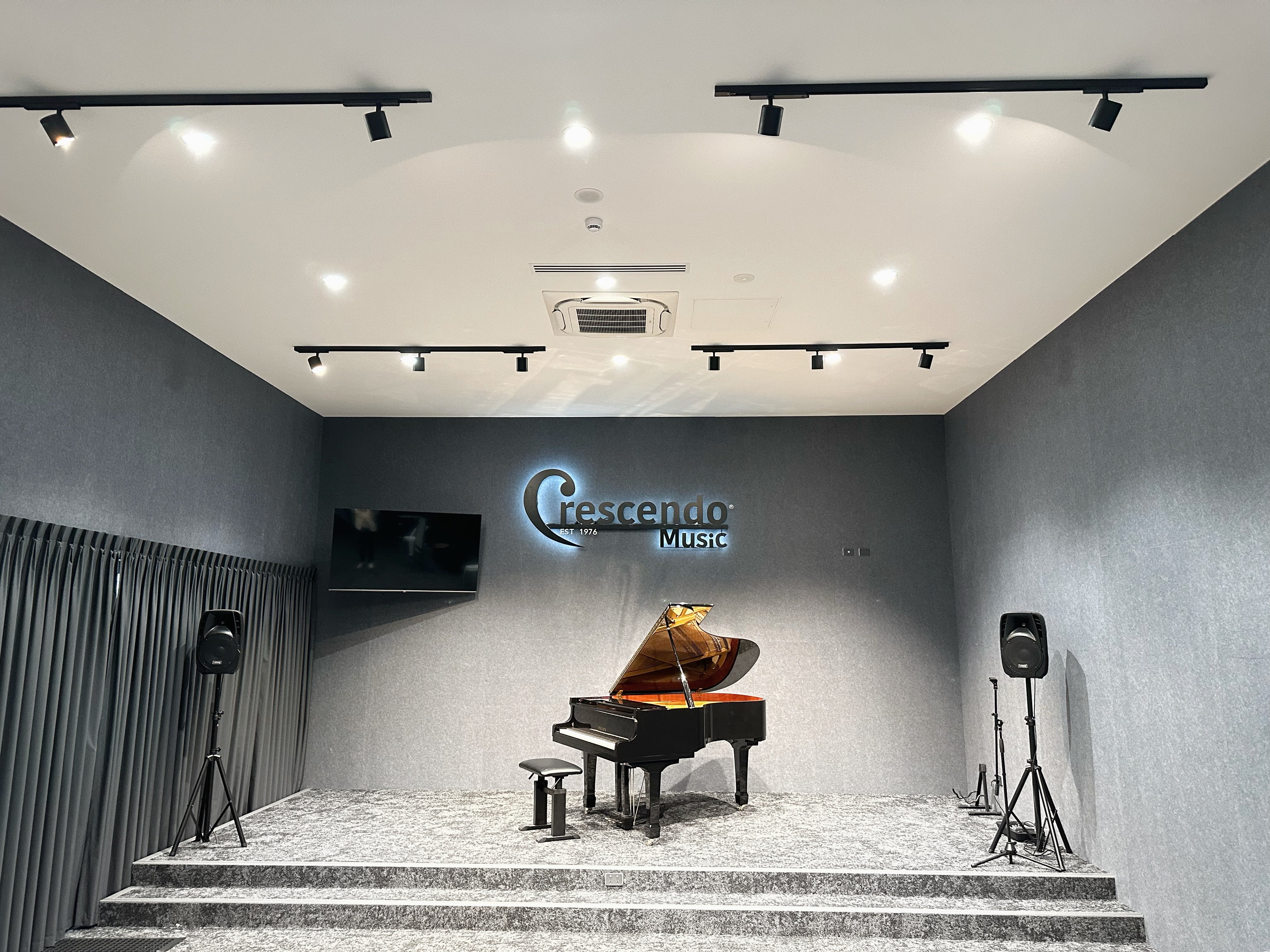
Crescendo Academy of Music offers a beautifully appointed performance hall accommodating up to 80 guests, featuring a magnificent Yamaha C5 6'7 grand piano, a basic PA system and a dedicated balcony area for refreshments.

Whether you're hosting an intimate recital, organising a student concert or recording your examination performance, our hall provides a professional and welcoming setting to bring your music to life.

Enquire today to book your next performance or recording session!

Drawer Title
Similar Products